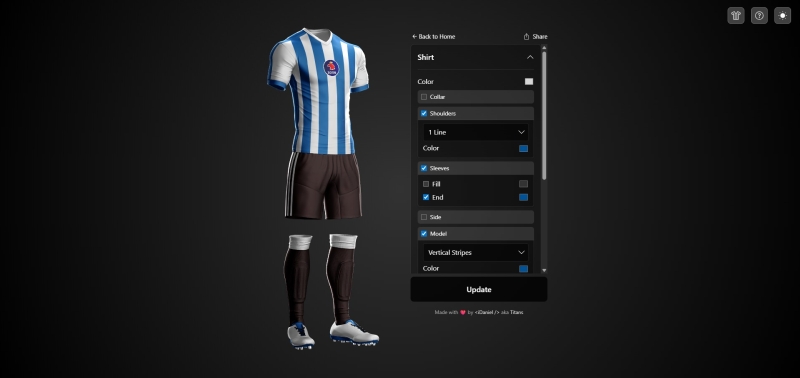
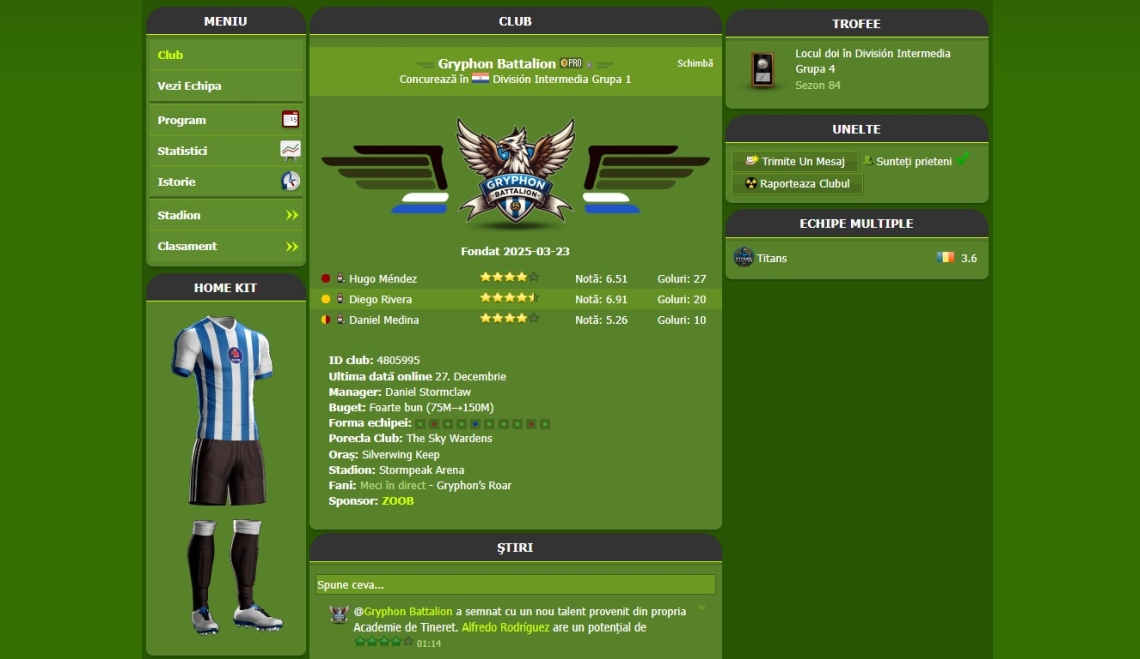
Getting Started
- Visit the App: Navigate to kits.idanielcode.com
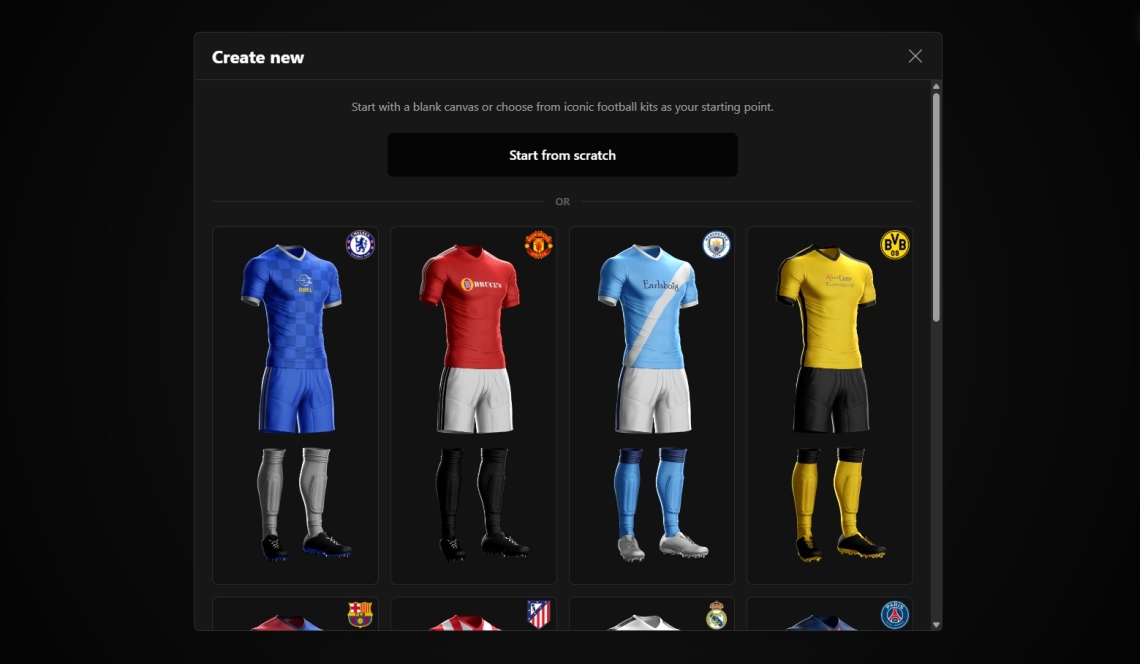
- Create New Kit: Click "Create new kit" to start designing from scratch or
choose from legendary football kits as inspiration.
- Choose from Your Kits: If you've saved kits before, select this option to load
and edit them.
Customizing Your Kit
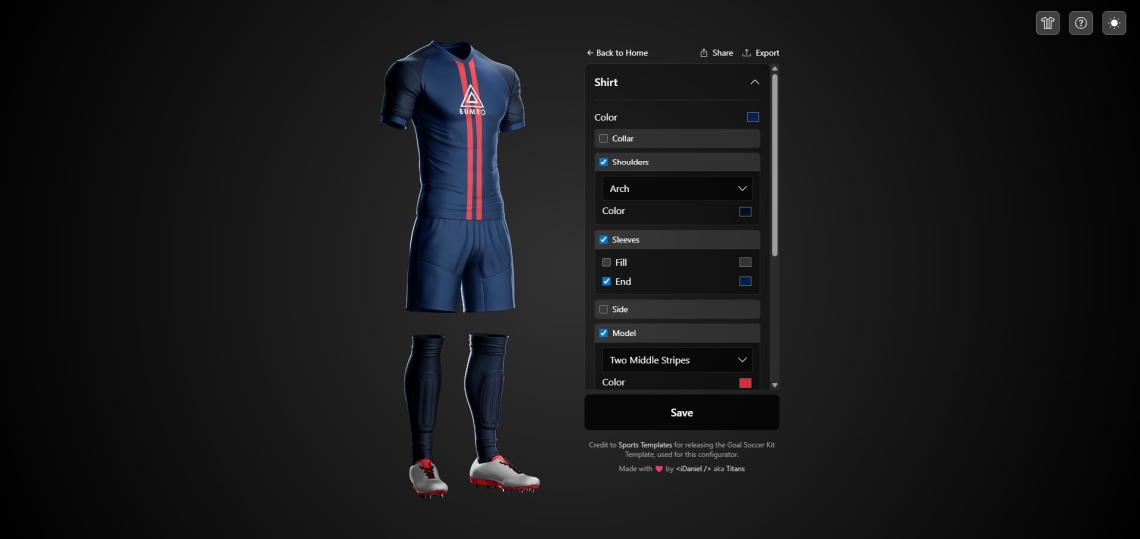
Use the configurator panels to customize each part of your kit. Click on any section header to
expand/collapse the options:
👕 Shirt Customization
- Base Color: Choose the primary color for your shirt
- Collar: Add and customize collar styles
- Shoulders: Configure shoulder patterns and colors
- Sleeves: Customize sleeve length and colors
- Side Stripes: Add vertical stripes on the sides
- Models: Apply horizontal stripes, diagonals, or custom models
- Sponsors: Choose from 18+ sponsor logos with customizable colors
🩳 Shorts Customization
- Base Color: Set the main color for shorts
- Side Stripes: Add decorative stripes on the sides
🧦 Socks Customization
- Base Color: Pick the primary sock color
- Top Stripes: Add horizontal stripes at the top of socks
👟 Shoes Customization
- Shoe Color: Customize the main shoe body color
- Soles: Set the sole color
- Tongue: Customize tongue color
- Laces: Pick lace colors
- Spikes: Customize spike/stud colors
Saving Your Kit
- Click the "Save" or "Update" button at the bottom of the
configurator
- Enter your club name (required)
- Optionally, add your Trophy Manager Club ID
- This will show your TM club emblem in the Kit Library and link to your club page
- You can save up to 2 kits locally in your browser, no account creation needed
Share Your Kit
Share your custom kit designs with friends, teammates, or the Trophy Manager community, and even set it as your official club kit!
Sharing Methods
- Share Link: Generate a direct link to your kit that others can view
- After saving your kit, click the "Share" button (top right of configurator)
- Copy the generated share link (format:
https://kits.idanielcode.com/kit-library?kit=my_club_name_20251227003927)
- Share the link via social media, chat, or email
- Anyone with the link can view and load your kit design
🏆 Using Kits in Trophy Manager
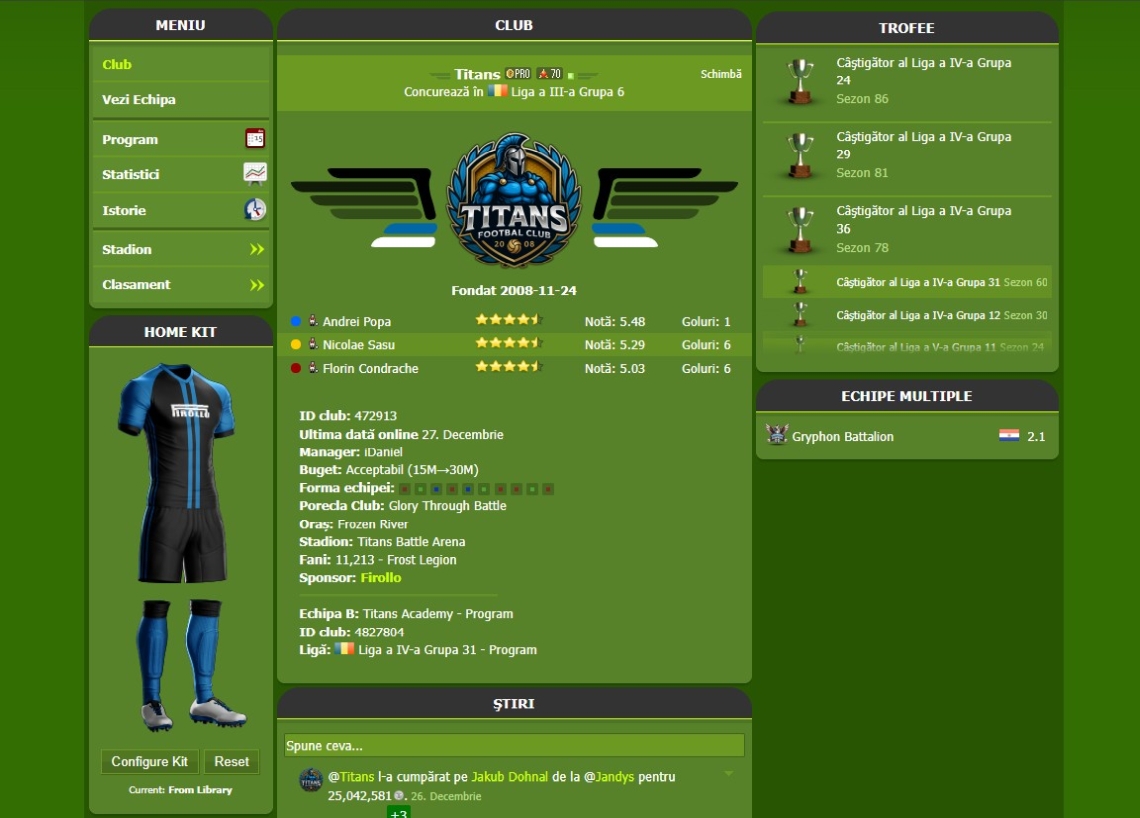
One of the most exciting features is the ability to display your custom 3D kit directly on your Trophy Manager club page!
Step 1: Install Tampermonkey
First, you need the Tampermonkey browser extension:
- Install Tampermonkey for your browser:
- Click the button below to install the Kit Visualizer script:
Step 2: Configure Your Club Kit
- Visit your Trophy Manager club page (you must be the club owner)
- You'll see a "Configure Kit" button below your auto-generated kit
- Click it and paste your kit's share link from the kit library
- The 3D kit will appear on your club page automatically!
💡 Tips:
- Only you (club owner) can see the configure button
- All visitors will see your configured 3D kit
- Update your kit anytime - changes reflect automatically!
- Click "Reset" to use auto-generated colors from Trophy Manager
Kit Library
Browse and explore kits designed by the Trophy Manager community:
- Navigate to Kit Library from the main menu
- Browse Kits: View all kits saved by users, featuring legendary football club designs
- View Club Pages: Click on any kit's club name to visit the Trophy Manager club page (opens in new tab)
- Share: Each kit has a share button to easily get its direct link